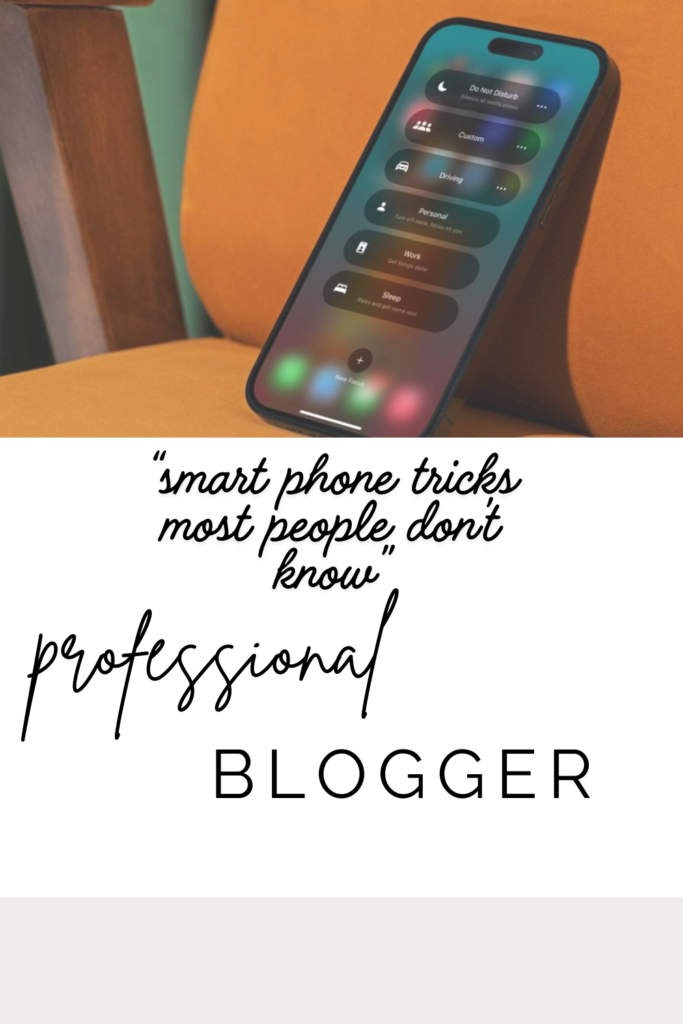
Smartphones have become an essential part of modern life. From communication and entertainment to work and online shopping, we rely on these devices almost every hour of the day. However, despite using smartphones regularly, many people only know the basic features such as calling, texting, browsing social media, and taking photos. Modern smartphones are packed with hidden tools and smart features that can make life easier, faster, and more productive.
Most smartphone users never take the time to explore the settings and advanced functions available on their devices. As a result, they miss out on powerful tricks that can improve battery life, increase security, boost performance, and save valuable time. Whether you use an Android device or an iPhone, there are many useful features designed to simplify everyday tasks.
Learning smartphone tricks is not just about convenience. These hidden features can help you become more organized, protect your privacy, improve productivity, and even reduce stress. Small adjustments in your phone settings can completely change the way you use your device daily.
In this blog, we will explore ten smartphone tricks that most people do not know. These tips will help you unlock the full potential of your smartphone and make your digital life smarter and more efficient.

1. Use Back Tap Shortcuts for Quick Actions
One of the lesser-known smartphone features is the back tap shortcut. Many modern smartphones allow users to perform specific actions by simply tapping the back of the phone two or three times. This feature can save time and reduce the need to navigate through menus.
For example, you can set back taps to take screenshots, open the camera, turn on the flashlight, or launch your favorite app instantly. Instead of searching for buttons or shortcuts, a simple tap on the back of the device performs the task immediately.
This feature is especially useful for multitasking. Imagine quickly turning on your flashlight during a power outage or opening a notes app while working without wasting time searching through your home screen.
Most users are unaware that this option exists because it is often hidden in accessibility or gesture settings. Exploring these settings can help you personalize your smartphone experience in a smarter and more convenient way.

2. Scan Documents Using Your Camera
Many people still use traditional scanners for paperwork, but smartphones can now scan documents with impressive quality. Both Android and iPhone devices offer built-in document scanning features through notes or camera apps.
This trick is extremely useful for students, office workers, and business owners. You can scan receipts, contracts, certificates, and handwritten notes directly from your phone and convert them into PDF files within seconds.
Smartphone scanning tools automatically adjust brightness, crop edges, and improve readability. This means you do not need expensive equipment to create professional-looking digital documents.
Using your smartphone as a scanner also helps reduce paper clutter. You can easily organize important files digitally and access them anytime without carrying physical documents everywhere.

3. Use Voice Commands Beyond Basic Calling
Most people only use voice assistants like Siri or Google Assistant for basic tasks such as making calls or checking the weather. However, these assistants can do much more than many users realize.
Voice commands can send messages, create reminders, open apps, set alarms, search the internet, play music, and even control smart home devices. Some assistants can also read notifications aloud while you are driving.
Using voice control can improve productivity because it allows hands-free operation. This is especially helpful while cooking, driving, exercising, or multitasking at work.
As artificial intelligence continues improving, voice assistants are becoming smarter and more personalized. Learning advanced voice commands can save time and make daily tasks more convenient.

4. Extend Battery Life with Hidden Settings
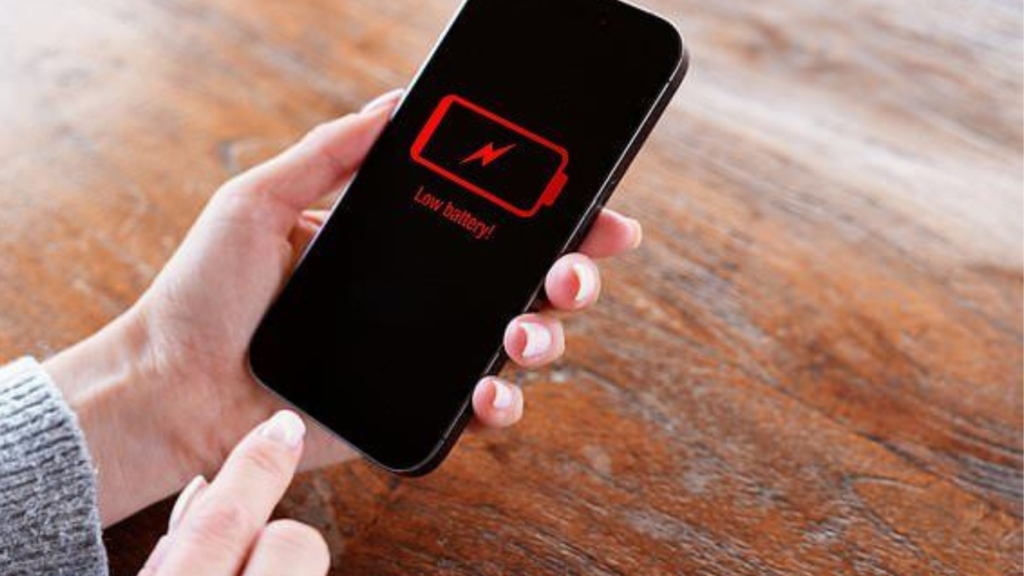
Battery problems are one of the most common smartphone complaints. However, many people do not know that hidden settings can significantly improve battery performance.
Features such as background app refresh, location tracking, auto-brightness, and high screen refresh rates consume large amounts of battery power. Adjusting these settings can extend battery life by several hours.
Most smartphones also include battery-saving modes that limit unnecessary background activity. Turning on dark mode, especially on OLED screens, can further reduce battery consumption.
Understanding battery health settings can also help maintain long-term performance. Avoiding extreme charging habits and managing power-intensive apps can increase the lifespan of your smartphone battery.
5. Lock Apps for Extra Privacy
Many users protect their phones with passwords or fingerprints but forget that individual apps can also be secured. App locking is a powerful privacy feature that many people never use.
This feature allows you to place extra security on apps like WhatsApp, banking apps, photo galleries, and email accounts. Even if someone unlocks your phone, they still cannot access protected apps without authentication.
App locking is particularly useful when sharing your phone with friends, family members, or children. It adds another layer of privacy for sensitive information and personal data.
As online security becomes increasingly important, using app locks can help protect your digital identity and prevent unauthorized access to confidential content.
6. Turn Your Phone into a Remote Control
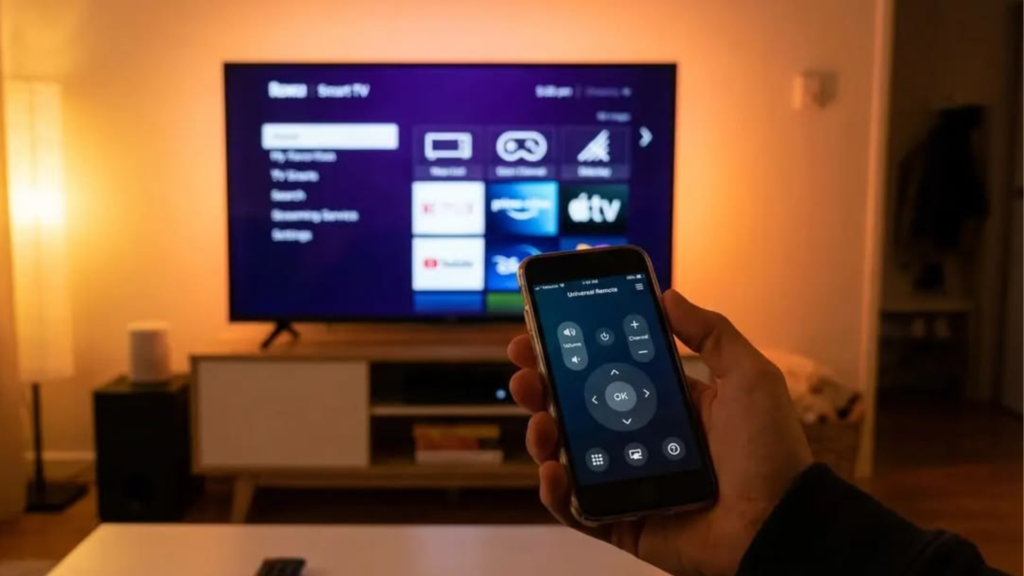
Many smartphones can function as remote controls for televisions, air conditioners, smart devices, and even presentations. This hidden feature is highly convenient but often overlooked.
Some Android phones include infrared sensors that work like universal remotes, while smart apps can connect through Wi-Fi or Bluetooth. This means you can control devices without searching for multiple remotes around the house.
This feature is useful during presentations, movie nights, or when traditional remotes are lost. You can adjust volume, change channels, and manage smart appliances directly from your smartphone.
With smart homes becoming more popular, smartphones are slowly replacing traditional controllers and becoming central hubs for managing electronic devices.
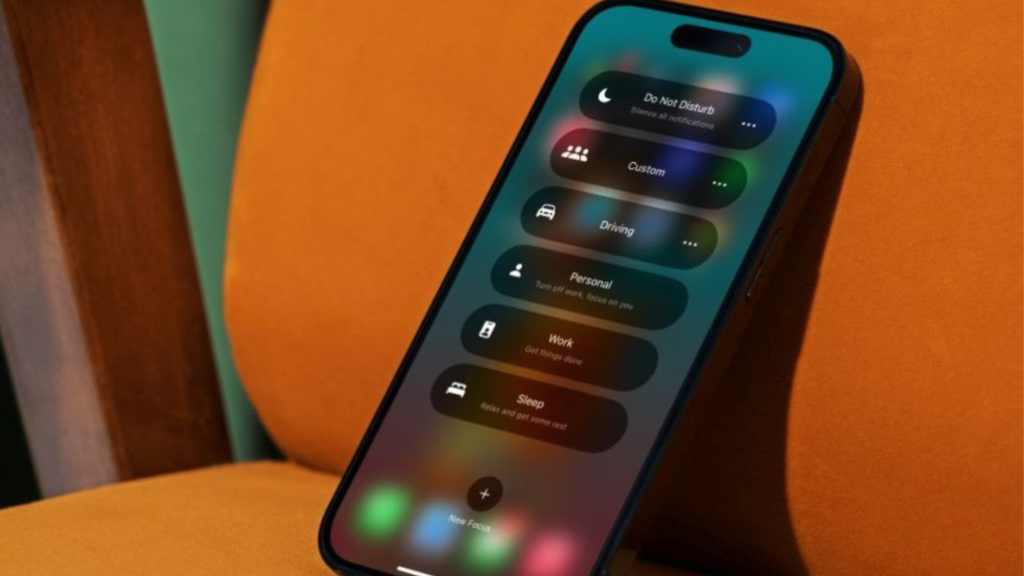
7. Use Focus Mode to Avoid Distractions
Smartphones are incredibly useful, but they can also become major sources of distraction. Notifications, social media, and endless scrolling often reduce productivity and concentration.
Focus mode is a hidden productivity feature available on many smartphones. It allows users to temporarily pause distracting apps while working, studying, or sleeping.
For example, you can block social media notifications during office hours or prevent gaming apps from interrupting study sessions. Some devices also provide detailed reports about screen time and app usage.
Using focus mode can improve mental clarity, productivity, and time management. It helps create healthier smartphone habits by encouraging more intentional device usage.
8. Quickly Share Wi-Fi Without Typing Passwords
One of the most convenient smartphone tricks is instant Wi-Fi sharing. Instead of manually typing long passwords, modern devices allow users to share Wi-Fi access through QR codes or direct device connections.
This feature is extremely helpful when guests visit your home or office. With a simple scan or tap, others can connect securely without needing to remember complicated passwords.
Wi-Fi sharing also reduces the risk of password errors and improves convenience during meetings, family gatherings, or public events.
As technology becomes more connected, features like this simplify digital interactions and improve the overall user experience.

9. Use Hidden Emergency Features
Many smartphones include emergency safety features that most users never activate. These tools can be life-saving during accidents, medical emergencies, or dangerous situations.
Emergency SOS features allow users to quickly contact emergency services by pressing the power button multiple times. Some phones also send live location updates to emergency contacts automatically.
Medical ID settings can display important health information such as blood type, allergies, and emergency contacts even when the phone is locked.
Activating these safety features only takes a few minutes, but they can provide critical assistance during emergencies when every second matters.

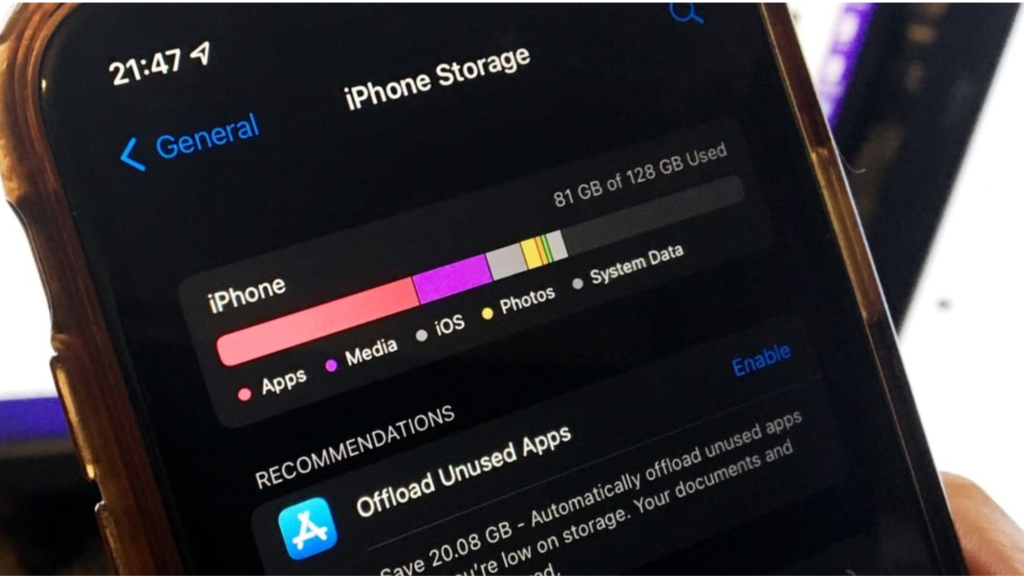
10. Free Up Storage Without Deleting Important Files
Storage problems often slow down smartphones and reduce performance. Many users delete photos and apps without realizing there are smarter ways to free up space.
Modern smartphones include storage management tools that identify duplicate files, unused apps, and temporary cache data. Clearing unnecessary files can improve speed without removing important content.
Cloud storage services also allow users to store photos, videos, and documents online while keeping device storage available for daily use. Automatic backups help prevent data loss and improve organization.
Managing smartphone storage regularly keeps devices running smoothly and extends their overall performance and usability.
Conclusion
Smartphones are far more powerful than most people realize. Beyond calls, messages, and social media, these devices contain hidden features designed to improve convenience, productivity, security, and daily life. Unfortunately, many users never explore these tools and miss opportunities to make their smartphones work smarter for them.
Learning simple smartphone tricks can save time, protect privacy, improve focus, and enhance device performance. Whether it is extending battery life, using focus mode, scanning documents, or activating emergency features, these small adjustments can create a much better user experience.
Technology continues evolving rapidly, and smartphones are becoming more intelligent every year. Taking the time to explore hidden features and advanced settings allows users to unlock the full potential of their devices.
By using these smartphone tricks, you can turn your phone from a basic communication tool into a smart assistant that helps simplify and improve your everyday life.